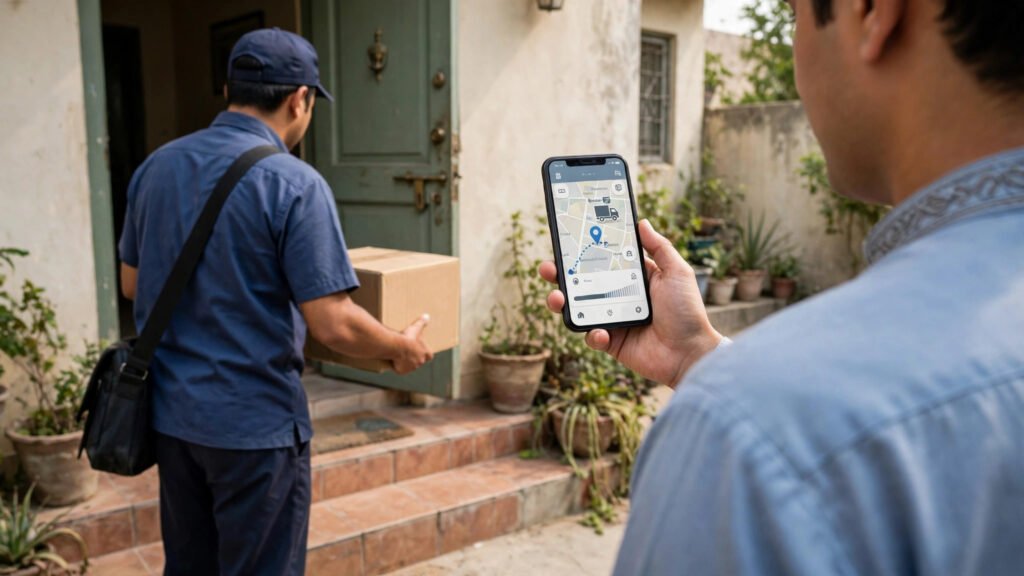
You ordered something on Daraz, paid for it, and now you are checking your phone every hour. Where is the parcel? When will it arrive? Is it stuck somewhere? Tracking a Daraz order is simple once you know where to look — and knowing what each status means will save you a lot of worry.
This guide explains how to track your Daraz order in Pakistan, what the different delivery statuses mean, what to do when an order is delayed, and how to handle a parcel that never arrives.
How to Track Your Order in the Daraz App
Step 1: Open the Daraz App and Go to My Orders
Open the Daraz app on your phone and tap on your account. Select “My Orders” to see a list of everything you have bought. Your most recent order will be at the top.
Step 2: Tap on the Order You Want to Track
Tap the order, and you will see its current status, the expected delivery date, and the items included. If the order has been shipped, you will also see a tracking number and the name of the courier company.
Step 3: Follow the Tracking Timeline
Daraz shows a simple timeline: order placed, packed, shipped, out for delivery, and delivered. Each stage is ticked off as your parcel moves. Tap on the tracking details for more information, including the courier’s own tracking page.
You can also track from the Daraz website by logging in to your account and opening My Orders — the same information is shown there.
What the Delivery Statuses Mean
Order Placed
Your order is confirmed and the seller has been notified. At this stage, you can still cancel the order easily if you change your mind.
Packed / Ready to Ship
The seller has packed your item and handed it to the courier, or is about to. This usually happens within one or two days of ordering.
Shipped
Your parcel is on its way. Daraz will show you the courier name — often Daraz Express, TCS, Leopards Courier or M&P — and a tracking number you can use on the courier’s own website.
Out for Delivery
The parcel is with the rider in your city and should reach you today. Make sure your phone is switched on, because the rider will usually call before arriving.
Delivered
The parcel has been handed over. Check the item immediately, and if anything is wrong, start a return request the same day.
How Long Does Daraz Delivery Take?
Delivery time depends on where you live and where the seller is. Orders within the same city often arrive in one to three days. Orders from another city usually take three to seven days. Remote areas take longer, and delivery can slow down during sales like 11.11 or Eid season, when Daraz handles far more orders than usual.
The delivery date shown in the app is an estimate, not a promise. A delay of one or two days is normal, especially during busy periods. Worry only if the order passes the estimated date by several days with no update.
What to Do If Your Order Is Delayed
First, check the tracking page again — the courier may have updated the status without you noticing. If the status has not changed for several days, contact Daraz support through the app’s help centre. Choose your order, describe the problem, and ask for an update.
You can also track the parcel directly on the courier’s website using the tracking number. Sometimes the courier’s page has fresher information than Daraz, because the courier updates its own system first.
Do not panic about a delay of a day or two. Parcels are sometimes held at a sorting hub, delayed by weather, or returned to the depot because the rider could not reach you. If you missed the rider’s call, the parcel will usually be redelivered the next day.
What to Do If Your Parcel Never Arrives
If the estimated delivery date has passed by more than three or four days and tracking shows no movement, open a complaint with Daraz support. Explain the situation clearly, include your order number, and ask Daraz to investigate with the courier.
If you paid in advance and the parcel is confirmed lost, Daraz will usually refund you to your original payment method or to your Daraz wallet. Cash on delivery orders are simpler — if the parcel never arrives, you have lost nothing, because you only pay when you receive the item.
Keep screenshots of your order, the tracking page and your messages with support. If the issue is not resolved, these records help you escalate the complaint.
Tips for Smooth Daraz Deliveries
Give a complete, accurate address with a nearby landmark, and keep your phone switched on and charged on delivery day. If you live in a street that is hard to find, add clear directions in the address field — it helps the rider a lot.
For expensive items, consider paying by card or bank transfer instead of cash on delivery, because prepaid orders are usually processed faster. And always check the item before the rider leaves, or at least the same day it arrives, so that returns stay within the allowed window.
Frequently Asked Questions
How can I track my Daraz order without the app?
Log in to your Daraz account on the Daraz website, open My Orders, and select the order. You can also track using the courier’s website with the tracking number shown in your order details.
Why is my Daraz order stuck on “shipped” for days?
It is usually held at a sorting hub or in transit between cities. Check the courier’s own tracking page for more detail, and contact Daraz support if there is no update for more than three days.
What happens if I miss the delivery rider’s call?
The rider will usually try again the next day. If the parcel is returned to the depot, contact Daraz support to arrange redelivery.
Can I change my delivery address after ordering?
Usually not, once the order is shipped. If the order is still being packed, you may be able to cancel it and place a new order with the correct address.
Conclusion
Tracking a Daraz order takes less than a minute: open My Orders in the app, tap your order, and follow the timeline. Most parcels arrive on time, and most delays sort themselves out within a day or two. When something does go wrong, the tracking number and Daraz support are your two best tools — use them early, keep your records, and you will almost always get your parcel or your money back.