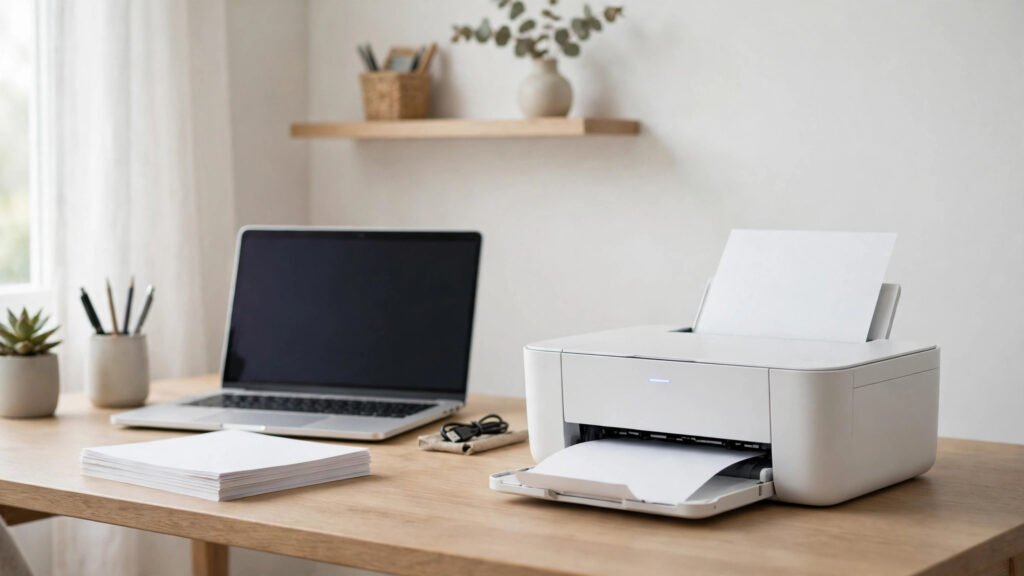
A printer is still useful in many Pakistani homes, even though most work happens on a phone or laptop. Students need to print assignments, past papers and forms. Families need to print school work, bills, tickets and documents. Home offices need to print invoices and records. The challenge is choosing a printer that is affordable to buy and affordable to keep running. Many buyers focus only on the purchase price and forget the running cost. A cheap printer with expensive ink can cost more over a year than a slightly dearer printer with cheaper refills. This guide explains how to choose the best budget printer for home and students in Pakistan, what to check before buying, and how to keep printing costs low.
Inkjet or Laser: Which Is Better for You?
The first decision is whether to buy an inkjet or a laser printer. Inkjet printers use liquid ink. They are usually cheaper to buy, smaller in size, and good at printing colour photos, diagrams and school projects. Many budget inkjet models now support WiFi and mobile printing, which is handy for students who work mainly on a phone. Inkjet printers work best if you print regularly, even if only a few pages a week. If an inkjet printer sits unused for a long time, the ink can dry in the nozzles and cause faded or streaky prints.
Laser printers use toner powder instead of liquid ink. They are usually faster, and their text prints are sharp and clean. They are a good choice if you print mainly black-and-white documents, such as assignments, notes and forms. Laser printers handle long periods without use better than inkjets, because toner does not dry out in the same way. A basic black-and-white laser printer can be a good fit for a student who prints many pages of text but rarely needs colour. Colour laser printers exist, but they usually cost more.
Some inkjet printers now come with refillable ink tanks instead of small cartridges. These models often cost more to buy, but the cost per page can be much lower if you print a lot. If you print hundreds of pages a month, an ink tank printer may save money over time. If you print only a few pages a month, a basic cartridge printer may be enough.
Running Costs Matter More Than the Price Tag
Before you buy, check the cost of ink or toner in Pakistan. Ask the seller how many pages a cartridge or toner usually prints, and how much a replacement costs. This gives you a rough idea of the cost per page. Also check whether original cartridges and toner are available in your city, or whether you will need to order them online. Some models use cartridges that are hard to find locally, which can leave you without a printer when you need it most.
Avoid choosing a printer only because it is the cheapest in the shop. A model with a slightly higher purchase price but cheaper, widely available ink often works out cheaper after a few months of use.
Features Worth Paying For
WiFi printing is one of the most useful features for students and families. It lets you print from a phone, tablet or laptop without a cable, which is helpful when several family members share one printer. Check that the printer supports printing from Android and iPhone, and that its app is easy to use. Some budget models offer WiFi but have a complicated setup, so ask the seller to demonstrate it if possible.
A printer that can also copy and scan is often called an all-in-one printer. This is useful for copying identity cards, scanning documents for online forms, and making extra copies of school work. If you often visit a photocopy shop for these tasks, an all-in-one printer can save time and money.
Automatic double-sided printing prints on both sides of the paper without you turning it over manually. It saves paper and is useful for long assignments, although not all budget printers offer it. For home use, print speed is less important than reliability. A printer that prints a few pages per minute is usually enough, as long as the text is sharp, dark and easy to read.
What to Check Before Buying in Pakistan
Ask about the warranty period and what it covers. Check whether the seller provides support in your city, or whether you will need to send the printer elsewhere for repair. A printer with local support is easier to maintain than one with no service network in Pakistan.
Some shops sell refurbished or used printers at lower prices. These can work well, but ask clearly whether the printer is new or refurbished, and check the warranty. Make sure the box contains the printer, power cable, USB cable if included, setup guide and starter ink or toner. Some budget printers come with only a small starter cartridge that prints fewer pages than a full replacement, so ask the seller how many pages it is expected to print.
If possible, ask the seller to print a test page before you pay. Check that the text is clear, the colours look correct, and the printer does not make unusual noises. Also check that the printer connects to WiFi if that feature is important to you.
FAQ
Which type of printer is best for students in Pakistan?
For most students, a basic inkjet all-in-one printer works well because it prints colour, copies and scans. If you print mainly black-and-white text in large amounts, a small laser printer may be cheaper to run and more reliable.
Are ink tank printers worth the extra cost?
They can be worth it if you print a lot each month, because the cost per page is usually lower. If you print only a few pages a month, a basic cartridge printer may be enough and cheaper to buy.
Do I need WiFi on a home printer?
WiFi is very useful if you print from a phone or share the printer with family members. If you only print from one laptop with a cable, you may not need it, but most buyers find WiFi convenient.
How can I make printer ink last longer?
Use draft mode for rough work, print in black and white when colour is not needed, print double-sided, and check the preview before printing. Print regularly to keep an inkjet printer in good condition.
Conclusion
The best budget printer for home and students in Pakistan is not always the cheapest one in the shop. It is the one that fits how much you print, whether you need colour, copy and scan, and how much ink or toner costs in your area. Start by deciding between inkjet and laser, then check running costs, WiFi support and warranty before you buy. If you print a lot, consider an ink tank model. If you print mainly text, a laser printer may serve you better. With the right choice and a few cost-saving habits, a budget printer can handle school, home and small office work reliably without becoming an expensive burden.