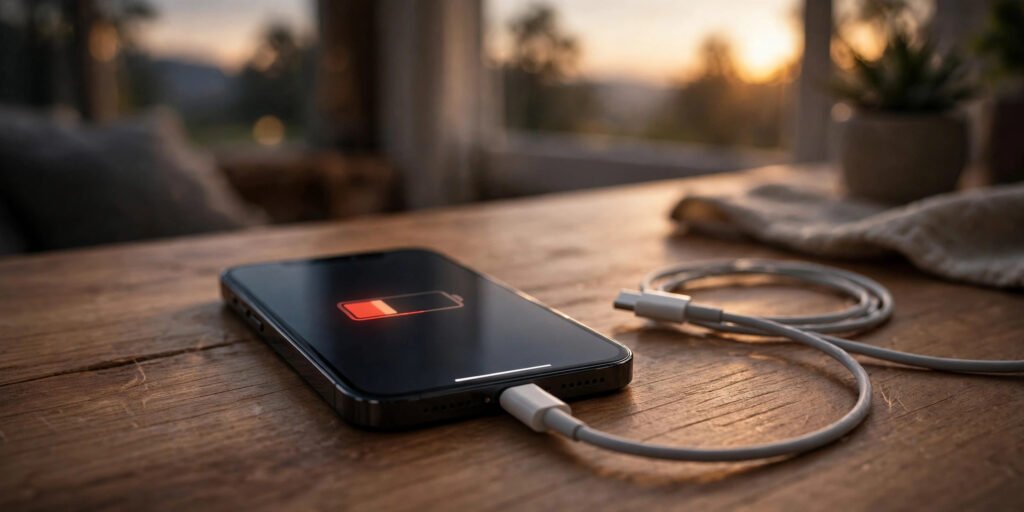
If your iPhone battery drops from 100% to 20% before the day is over, you are not alone — one of the most common iPhone complaints in Pakistan. Usually the battery itself is fine; a few settings are quietly draining it. Work through these fifteen fixes before paying for a replacement.
First, Find What Is Draining Your Battery
1. Check the battery usage list
Open Settings > Battery to see which apps used the most power in 24 hours and 10 days. If one app shows huge “Background Activity”, it is your main problem — fix or delete it first.
2. Check your Battery Health
In Settings > Battery > Battery Health & Charging, look at Maximum Capacity. Above 85% is healthy; between 80% and 85% you will notice shorter life; below 80% Apple considers the battery degraded, and a replacement helps.
Fix the Biggest Battery Drains
3. Limit Background App Refresh
Go to Settings > General > Background App Refresh and set it to Wi-Fi only, or turn it off for Facebook, games and shopping apps. Keep it on only for messaging apps.
4. Control Location Services
Open Settings > Privacy & Security > Location Services. Set most apps to While Using the App or Never — very few need it all day. In System Services, also switch off Significant Locations.
5. Change 5G to 5G Auto or LTE
Searching for a weak 5G signal drains battery quickly. Go to Settings > Cellular > Cellular Data Options > Voice & Data and choose 5G Auto, which uses 5G only when it does not hurt battery life. Where coverage is poor, LTE can add surprising extra time.
6. Turn on Low Power Mode earlier
In Settings > Battery, switch on Low Power Mode at 40% instead of waiting for the 20% warning. It reduces background activity and mail fetching. Add it to Control Centre via Settings > Control Centre.
7. Reduce screen drain
The screen is the biggest power user. In Settings > Display & Brightness, lower brightness, turn on Auto-Brightness (inside Settings > Accessibility > Display & Text Size), and set Auto-Lock to 30 seconds or 1 minute.
8. Stop push email for extra accounts
In Settings > Mail > Accounts > Fetch New Data, set less important accounts to Fetch every hour or Manually instead of Push.
Software Fixes People Forget
9. Update iOS — but wisely
Battery drain often spikes for a day or two after a major iOS update, while the phone re-indexes photos and files. Keep updated via Settings > General > Software Update, and give any big update 48 hours before judging the battery.
10. Restart, and check for a stuck app
A restart clears stuck processes burning power. If drain started right after installing one app, delete it for a day and watch the Battery list — a poorly made app is a common hidden cause.
11. Reset settings if drain survives everything
Go to Settings > General > Transfer or Reset iPhone > Reset > Reset All Settings. This keeps your photos and apps; it only resets system settings to default.
Habits That Protect the Battery
12. Use Optimised Charging
In Settings > Battery > Battery Health & Charging, keep Optimised Battery Charging on, so the battery spends less time at a stressful 100%.
13. Keep the phone out of heat
Heat permanently damages iPhone batteries. Never leave your phone on a car dashboard in summer, and remove a thick case while charging if it gets hot.
14. Avoid cheap chargers and cables
Cheap chargers deliver unstable power and heat, shortening battery life. Use the original Apple adapter or a certified (MFi) one.
When Fixes Are Not Enough
15. Replace the battery if health is below 80%
If Maximum Capacity is under 80% and Battery Health shows “Service”, no setting will bring the old life back. An authorised replacement is far cheaper than a new iPhone.
Conclusion
Start with the Battery usage list, limit background refresh and location services, switch 5G to Auto, and keep iOS updated. These steps fix the drain within a day or two. Only pay for a new battery when health falls below 80%.
FAQ
Is it normal for battery to drain fast after an iOS update?
Yes, for a day or two after a big update. If it continues after 48 hours, work through the fixes above.
Does Low Power Mode damage the battery?
No. It only reduces background work and effects, and is safe.
Should I close all my apps to save battery?
No — this is a myth. iOS already freezes unused apps, and reopening closed apps uses more power. Only act on an app showing heavy background activity in the Battery list.
How long should an iPhone battery last in a day?
A healthy iPhone lasts a full day of normal use. Charging twice daily with light use means a setting, an app or a degraded battery is responsible.